
Smart Home · Easy Upgrades
Set It Once: The Smart Thermostat Worth Calling Your HVAC Tech For
The thermostat on your wall right now probably works fine. It does what thermostats do — it turns the heat on, it turns it off.
What it doesn’t do is learn that you like the house at 68 degrees by 7am. It doesn’t know you leave every Tuesday at 9. It doesn’t adjust when the weather shifts overnight. And it definitely doesn’t tell you that your system has been running 40% harder than it should for the past three weeks.
A smart thermostat does all of that. Not because it’s a gadget — because it’s a better way to manage something you deal with every single day.
Why This Is Worth Doing
Most people underestimate how much a poorly managed thermostat costs them. Heating and cooling accounts for nearly half of the average home’s energy bill. A smart thermostat that learns your schedule and adjusts automatically typically saves $150–200 per year — often paying for itself within 18 months including installation.
Beyond the savings, the real value is simpler: you stop thinking about it. The house is the right temperature when you wake up. It adjusts when you leave. It’s ready when you get back. You set it up once and it handles the rest.
For a home you’ve spent decades making exactly right, that kind of quiet reliability is worth more than the energy savings alone.
The Two Models Worth Installing
Ecobee SmartThermostat Premium
The Ecobee is the choice for homes where comfort matters as much as efficiency — which describes most larger homes.
What sets it apart is the room sensor that comes included. Most thermostats measure temperature at one point on the wall and assume the whole house matches. The Ecobee’s sensor sits in the rooms you actually use — the bedroom, the living room — and adjusts based on where you are, not just where the thermostat is mounted.
In a two-story home or a house with rooms that run warmer or cooler than the rest, this makes a meaningful difference. The bedroom is the right temperature when you sleep. The living room is comfortable when you’re in it. The system figures out the rest.
What your HVAC tech will tell you: Ecobee is widely supported and most technicians have installed dozens of them. Installation typically takes 30–45 minutes.
What to know: The Ecobee requires a common wire (C-wire) for power in most installations. Your technician will check this before they start — most homes built after 1990 have one, and many older homes do too. If yours doesn’t, your tech can usually add one during the installation visit.
Google Nest Learning Thermostat
The Nest is the choice if you want something that requires almost no setup — it learns your preferences and builds a schedule automatically.
For the first week, you adjust it manually like a normal thermostat. The Nest pays attention. By day seven it knows when you wake up, when you leave, when you come back, and what temperature you prefer at each point. After that it runs itself.
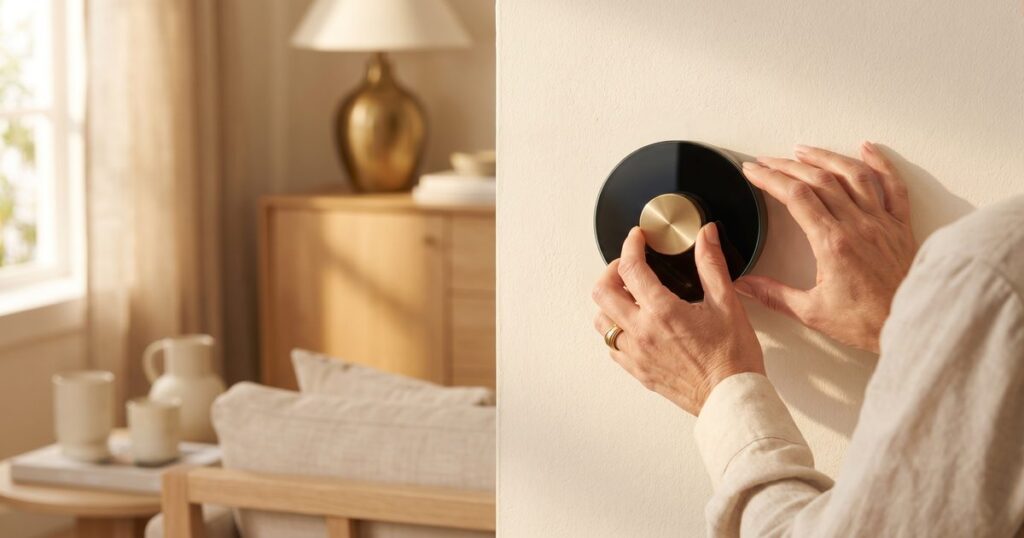
The interface is the cleanest in the category — a single dial, a clear display, nothing to figure out. If you want something that works without a learning curve, this is it.
What your HVAC tech will tell you: Nest is the most commonly installed smart thermostat in the country. Your technician almost certainly knows it well.
What to know: Like the Ecobee, the Nest works best with a C-wire. Your technician will confirm compatibility when they arrive.
What Professional Installation Actually Costs
Budget $75–150 for a standard smart thermostat installation by an HVAC technician. Most installations take under an hour.
What that covers: removing the old thermostat, confirming wiring compatibility, installing the new unit, connecting it to your WiFi, and walking you through the basic setup.
This is where spending a little more makes sense. A thermostat you understand and use correctly pays for the installation cost many times over in energy savings. Call your regular HVAC company first. If you don’t have one, ask a neighbor for a referral.
Real Ways People Use This
Which One Is Right for You
Match Your Home to the Right Model
Choose the Ecobee if: You have a larger home with rooms that run at different temperatures, you want the room sensor included, or you already use Alexa in other parts of the house.
Choose the Nest if: You want something that requires minimal setup and learns on its own, you prefer the simplest possible interface, or you already use Google Home or other Google devices.
Both are excellent. Both will pay for themselves. The difference is subtle — room sensors versus automatic learning. Either way, you call your HVAC tech, they install it, and you stop thinking about your thermostat.
What to Tell Your HVAC Technician
- Which model you’ve purchased
- The approximate age of your home
- Whether your current thermostat uses batteries or is hardwired
That’s all they need. They’ll handle the rest and confirm compatibility when they arrive. Most installations are straightforward — your technician will know how to handle any complications.
The Bottom Line
A smart thermostat is one of the few home upgrades that genuinely pays for itself. The energy savings are real. The convenience is real. And once it’s installed, it runs quietly in the background — handling something you used to think about every day without you having to think about it at all.
Call your HVAC tech. Schedule the install. Done.
Frequently Asked Questions
Do I need WiFi for a smart thermostat to work?
WiFi enables the app, remote control, and learning features. The thermostat will still heat and cool your home without it, but you lose most of the useful functionality.
Can I install it myself?
Technically yes, but we’d recommend professional installation. It takes an HVAC technician 30–45 minutes and removes any risk of wiring errors that could affect your heating and cooling system.
Will it work with my existing heating and cooling system?
Both the Ecobee and Nest work with the vast majority of central heating and cooling systems. Your technician will confirm compatibility before installation.
How long does it take to notice the savings?
Most people see a difference on their first full month’s bill. The learning features improve over the first 30–60 days as the thermostat builds a picture of your schedule.
What if I want to adjust it manually?
Both models allow manual adjustments anytime. The smart features work around your manual inputs, not against them.